

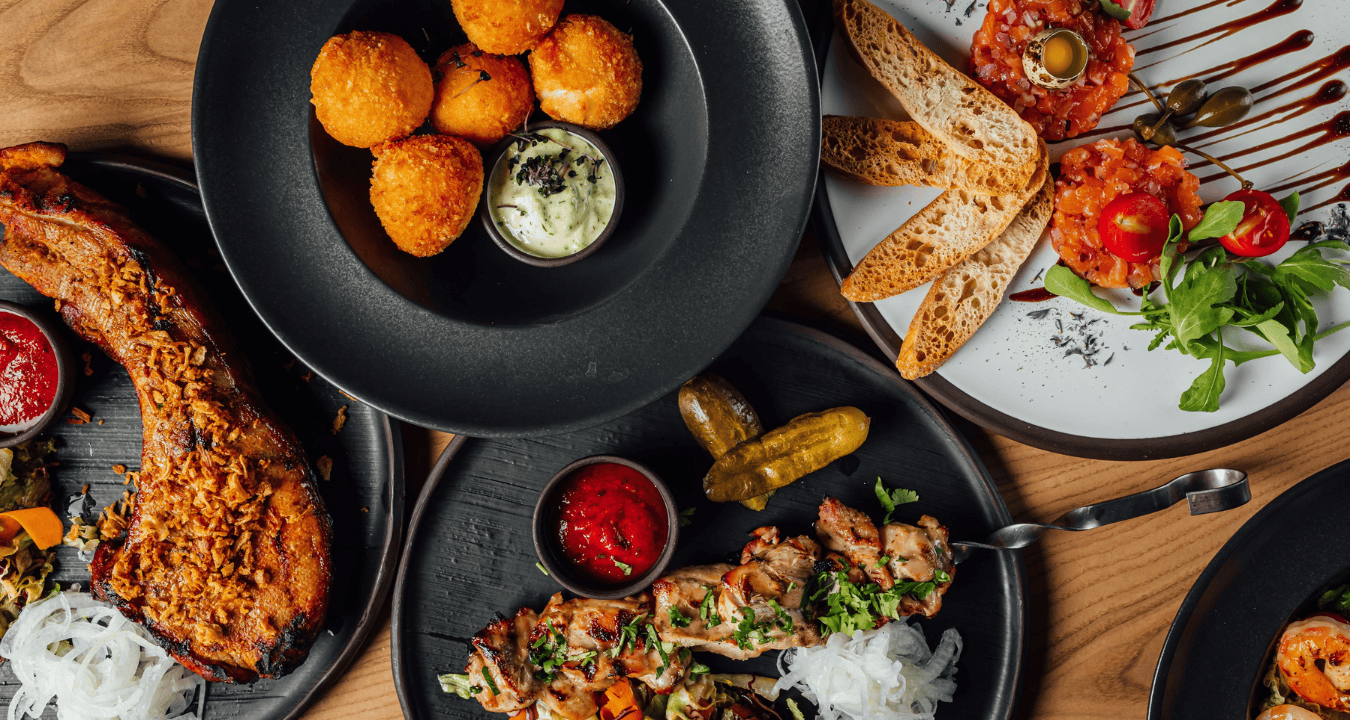
How to Make Your Menu Do the Selling for You
Your menu isn’t just a list of items; it’s one of your most powerful sales tools.
In fact, a well-designed menu can guide decisions, highlight profitable items, and increase average spend… all without your staff saying a word.
Here’s how to make your menu do the heavy lifting.
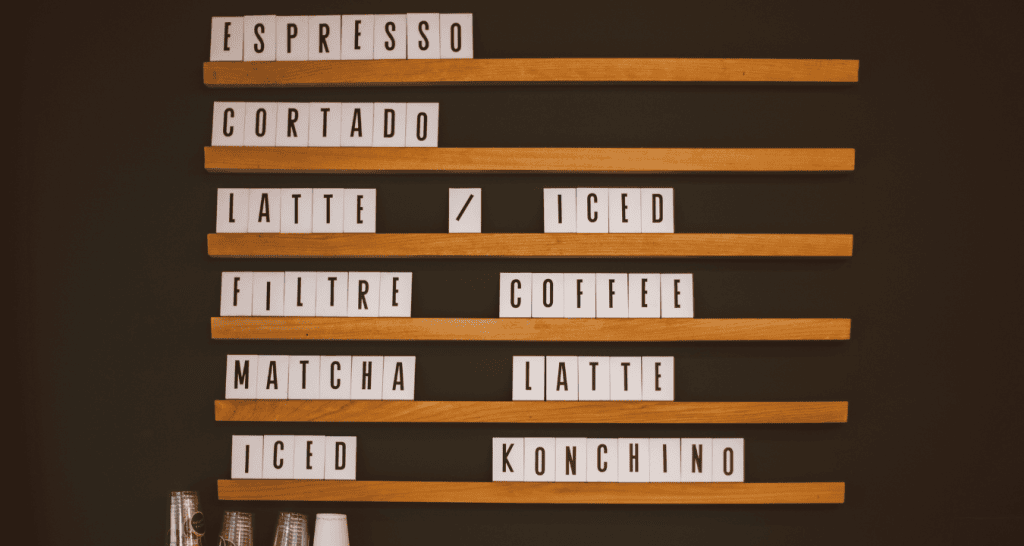
1. Highlight What You Want to Sell
Not all menu items are equal; some drive more profit than others.
Make them stand out:
Use boxes, icons, or subtle design elements
Place them in high-visibility areas (top right, center)
If it stands out, it sells more.
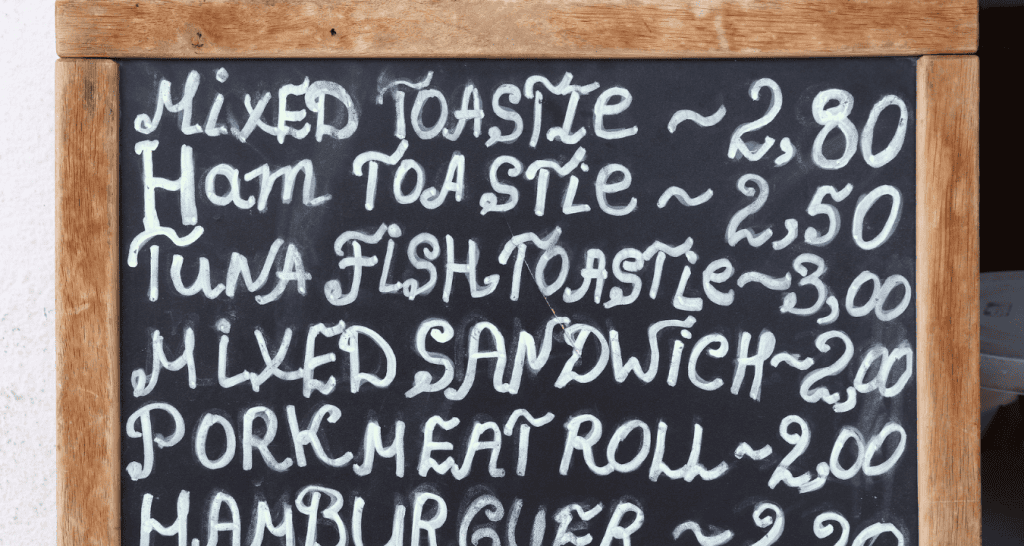
2. Use Descriptive, Crave-Worthy Names
“Chicken sandwich” is fine.
“Crispy Golden Chicken Sandwich with house sauce”? Much better.
Why it works:
Descriptive language helps customers imagine the experience, and that drives orders.
Better wording = better sales.
3. Simplify Choices
Too many options slow people down and can even reduce sales.
Try this:
Trim underperforming items
Group similar items clearly
Guide customers with “recommended” sections
Clarity converts.

4. Use Strategic Pricing Placement
Customers don’t always read every price, but they notice patterns.
Simple tricks:
Avoid lining prices in a column (reduces price comparison)
Remove dollar signs where appropriate
Use one higher-priced item to make others feel more reasonable
It’s not about lowering prices, it’s about framing them.
5. Add Built-In Upsells
Your menu can prompt add-ons naturally.
Examples:
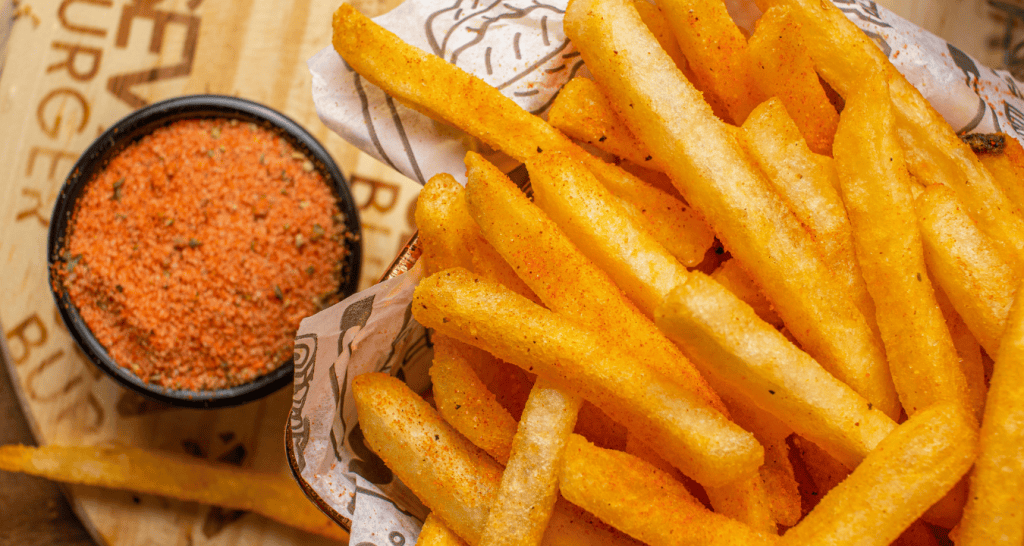
“Add fries + drink for $X”
Suggested pairings under items
Small add-ons = bigger orders.

Final Thought
A strong menu doesn’t just inform, it influences.
Make a few small changes, and you’ll start to see your menu working for you, not just sitting there.